How an online menu can boost your sales
Discover how an online menu can increase sales with photos, organization, data, and strategic promotion for small businesses.
Listen to the article
An online menu can be more than just a showcase: it reduces doubts, facilitates orders, and transforms visits on social media into sales opportunities.
Quick response
To make the online menu increase sales, treat it as an active part of the business operation. Organize items by categories, use photos and descriptions that assist in decision-making, keep prices and availability updated, and make ordering easy from mobile devices. Then, share the link on social media, messages, and your own channels, tracking which products receive attention. With this data, you can highlight combinations, create more relevant offers, and refine the menu according to customer behavior. The expected result comes not only from the visual aspect but from the combination of clarity, convenience, promotion, and continuous improvement.
Summary
- Present the menu on a fast, clear, and mobile-friendly page.
- Use photos, objective descriptions, and categories that guide the customer to a decision.
- Keep prices, availability, and product information always updated.
- Promote a dedicated link on social media, messages, your website, and business materials.
- Track orders and preferences to test highlights, combinations, and relevant offers.
What is an online menu?
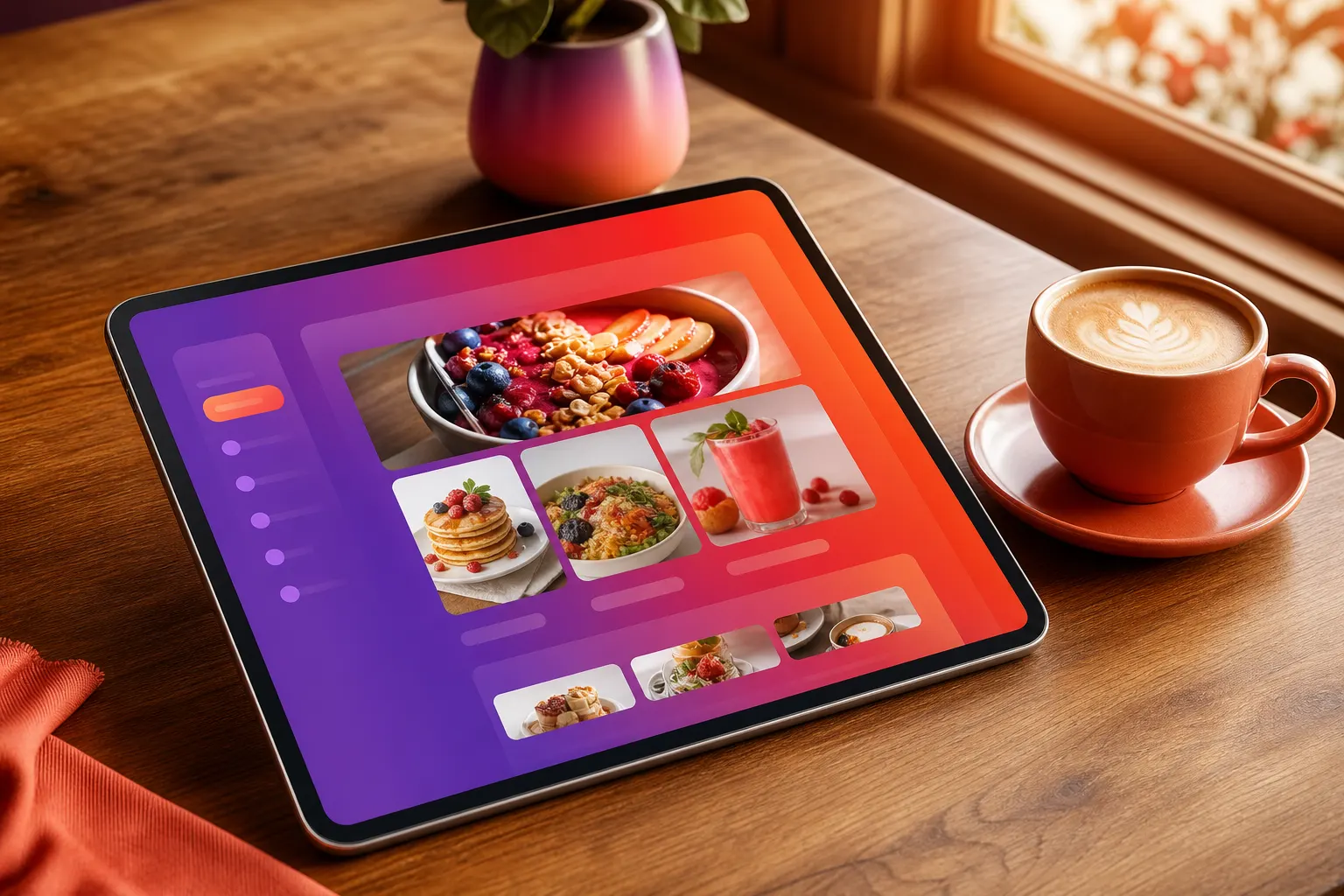
An online menu is a digital version of a business's menu, accessible via a link on mobile devices and structured to present products, prices, images, details, and pathways to place an order. When connected to the company's digital channels, it becomes more than just a list and supports the purchasing journey.
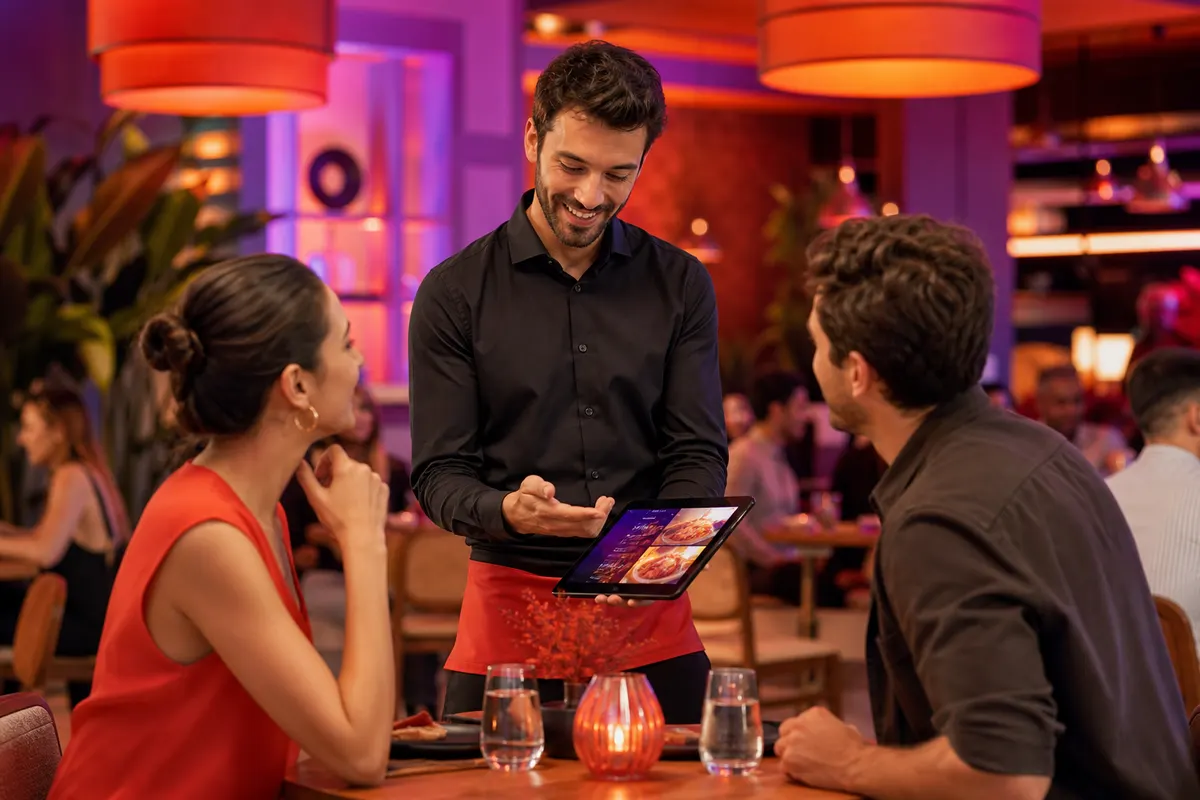
Instead of relying solely on a photo of the menu or a manually sent message, the establishment offers a page that can be consulted at any time. The customer finds categories, chooses an item, understands what accompanies the option, and proceeds to the contact or ordering channel indicated by the business.
The difference lies in the experience. A menu designed for social media should display well on mobile, have an easily shareable address, and guide the visitor from interest to action. Abrahão Goomer describes this format as a smart menu within a restaurant's exclusive link, organized for a click-and-order experience.
For small and medium businesses, this also consolidates important information. Hours, location, photos, social media links, delivery, and contact methods can all be gathered in a dedicated space. NaInter.net recommends viewing the menu as part of the company's digital presence, rather than as an isolated file sent when someone asks what is available.
How can an online menu increase your sales?
An online menu can boost sales by reducing the path between discovery and ordering, highlighting strategic products, and using data to improve the offering. It tends to work better when it combines clear information, good images, quick updates, and continuous promotion.
The first contribution is to reduce friction. The customer does not need to wait for a response to check the menu, ask the price of each item, or find out if an option comes with a certain ingredient. The more questions are resolved on the page itself, the greater the chance that intent will advance to an order.
Presentation also influences choice. The Trend SuperApp Blog associated good practices in digital menus with an increase in average ticket size between twenty and forty-two percent in the first six months. The same outlet reported that items with professional photos had six point four times more sales than items presented only in text, in an analysis involving over two thousand restaurants. These data do not mean that any image will produce the same effect, but they show why presentation deserves commercial attention.
Photos help to spark desire, while descriptions help to confirm the purchase. A sandwich can inform the type of bread, filling, sauces, and sides. A dessert can explain texture and relevant ingredients. The description should answer what the customer really needs to know, without turning the menu into a tedious text.
The menu can also support increasing the value of each order. Combos, sides, and drinks related to the main item create opportunities for upselling and cross-selling. Abrahão Goomer points out that this incentive is part of the structure of such solutions. In practice, the suggestion needs to be coherent: offering a drink alongside a snack makes more sense than piling up random options.
Another point is the sales channel. In an analysis published by Valor Econômico, users of a digital menu platform concentrated, on average, sixty-seven point three percent of sales on the digital menu itself, compared to thirty-two point seven percent on marketplaces. This data reinforces the value of building a direct path, where the business has more control over presentation and relationships.
To turn access into revenue, observe what happens after the click. Which products receive the most views? Which combinations appear in orders? At what point do people abandon contact? Sales reports help answer these questions and guide changes in highlights, category order, and offers.
- Map the products you want to sell more and relate each one to coherent accompaniments.
- Present items with photos, prices, descriptions, and clear calls to action.
- Promote the link on the channels where your customers already communicate with the business.
- Track orders, accesses, and responses to adjust the menu based on evidence.
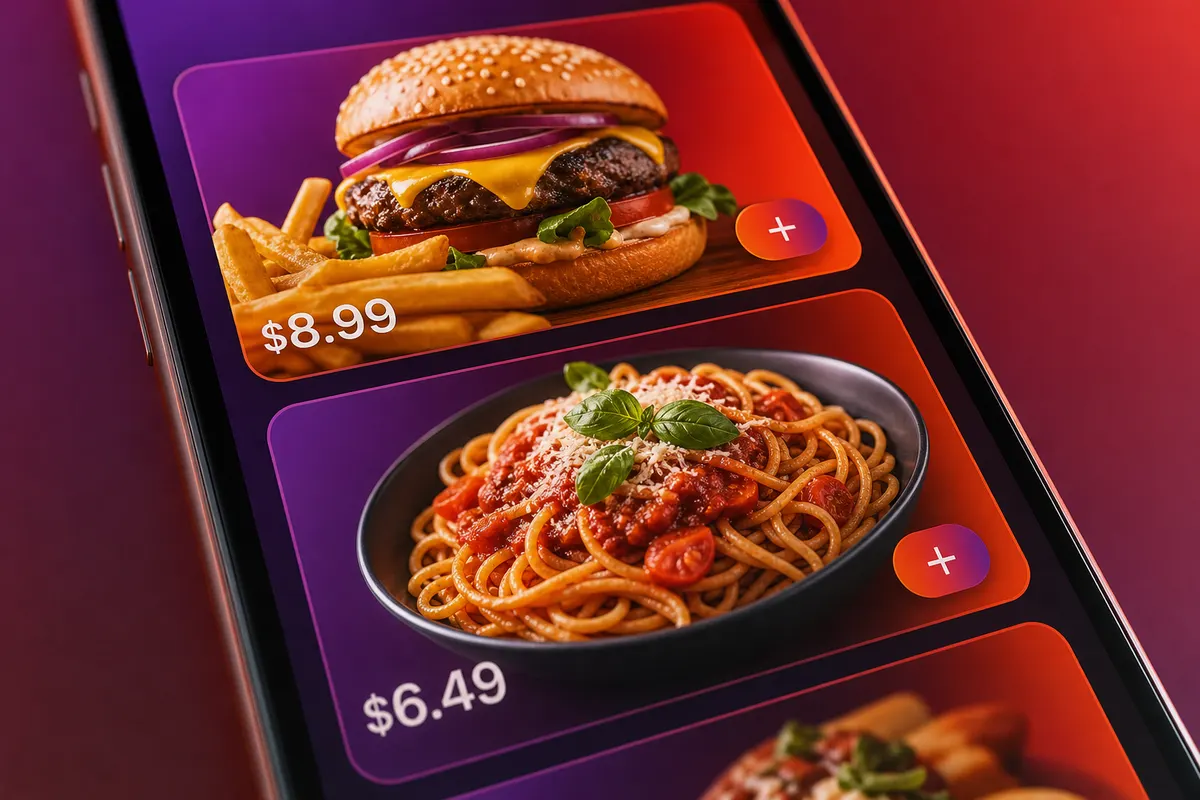
What are the advantages of a digital menu?
Reduction of printing costs.
A digital menu reduces the dependence on prints whenever there is a price change, seasonal item, or availability. Instead of discarding old materials, the business updates the page and maintains the same shareable address. This is useful for restaurants, snack bars, cafes, dessert shops, and businesses that work with variable offers.
The savings are not just on paper. There is also less need to produce different versions of the menu for the counter, message service, and promotion. The content can be repurposed across digital channels, as long as it is organized for mobile reading.
Ease of item updates
Incorrect pricing generates distrust and rework. With a manageable digital menu, the team can update prices, remove unavailable items, add new offerings, and change descriptions without interrupting operations. Abrahão Goomer highlights the ability to make real-time updates to options and prices without pauses in service.
Create a simple review routine. Before promoting an item, check if it appears on the menu, if the conditions are clear, and if the ordering path matches what the team can fulfill. Quick updates are only advantageous when there is discipline to maintain accurate information.
Detailed product information
The digital space allows for the inclusion of ingredients, sizes, sides, dietary restrictions, and relevant characteristics. This helps consumers make more informed choices and reduces repetitive questions during service. Information should be objective but not superficial.
It is also an opportunity to highlight differentiators. A vegetarian item, a house special, a chef's new creation, or a promotional combo can receive visual emphasis. Abrahão Goomer recommends highlighting categories and products that deserve attention rather than presenting all options with equal weight.
Have a professional website working for you 24/7
Let the Artificial Intelligence of NaInter.net create the perfect showcase for your business to attract customers every day.
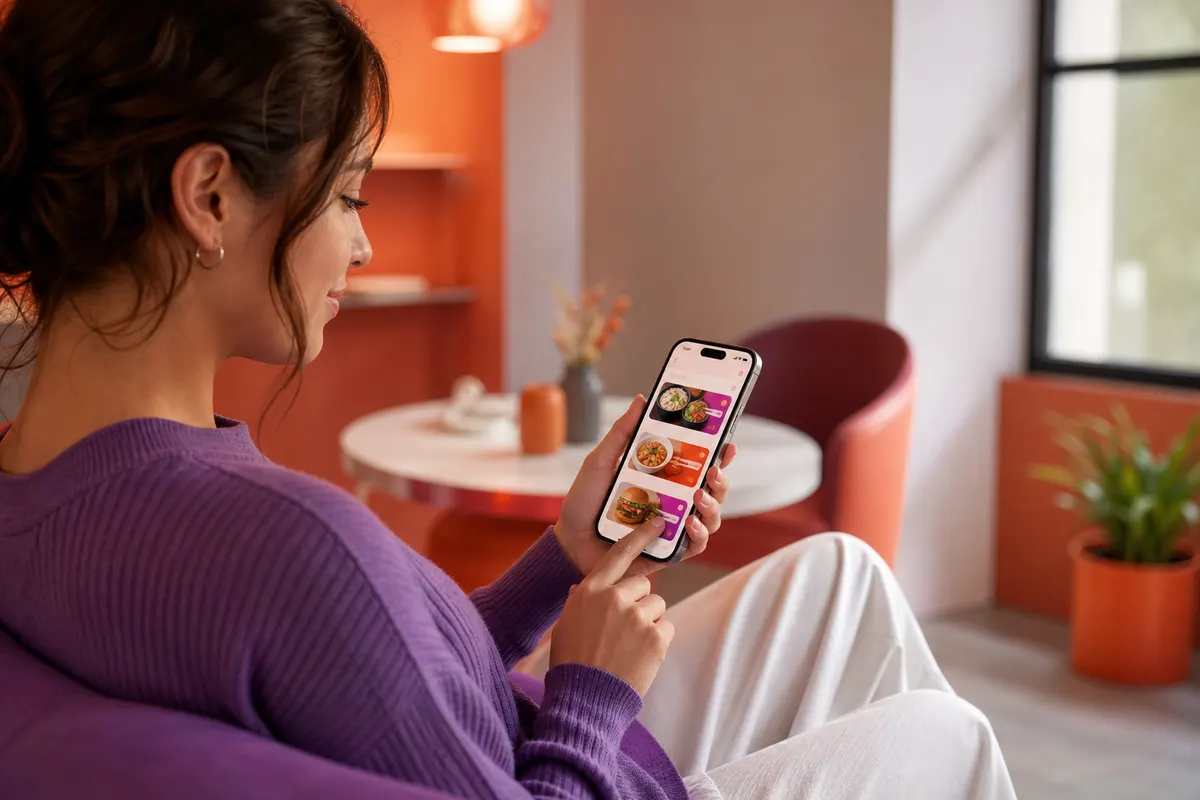
How to create an attractive digital menu?
To create an attractive digital menu, choose a structure that works on mobile, produce images that accurately represent the product, and organize the menu according to how the customer decides. Aesthetics help, but clarity and ease of ordering are essential.
Choose the right platform
Start with the operational requirements. The platform should allow for simple editing, good visibility on small screens, and an easy-to-share link. For businesses that receive orders through different channels, also consider integration with point of sale, inventory management, languages, and online payment. Agência Promo recommends evaluating these features before making a choice.
Also, check if the business can control the content without relying on complex changes for each price or item. An appropriate tool should align with the team's real routine, even during peak periods. Since the menu will be associated with the establishment's identity, prefer a solution that accepts contact information, location, social media, and delivery.
NaInter.net offers professional websites with artificial intelligence that can host menus, services, hours, location, photos, social media links, and deliveries. The recommendation is to integrate the menu with the company's digital presence, keeping the customer in a clear environment connected to service channels.
Invest in good photos and descriptions
The image should show the product as it arrives to the customer. Use good lighting, clean framing, and consistent proportions between items. Avoid photos that hide size or exaggerate in editing, as the difference between expectation and delivery undermines trust.
RT Gestão Estratégica Blog recorded an average increase of thirteen percent in sales of menus with photos, and mentioned up to forty-four percent in monthly sales in another report. The practical takeaway is simple: a photo should not be an arbitrary decoration. It needs to support the decision and align with an honest description.
First, write the item name, then explain the components, and finish with information that aids in selection. For dishes with variations, clearly state what changes between options. If there are ingredients that may cause confusion, address them accurately and keep the team prepared to answer additional questions.
Organize the menu logically
The order should align with customer expectations. Separate appetizers, main courses, snacks, sides, desserts, and drinks according to the type of business. Abrahão Goomer recommends avoiding confusing categories and organizing the menu logically so that consumers do not get lost.
Highlight a few items at a time. House specials, new items, promotions, vegetarian options, and combos can receive badges or dedicated areas. The emphasis should facilitate choice, not turn the page into a series of advertisements.
Review the entire process before publishing. Open the link as a customer, locate a specific product, check if the price is legible, and try to start an order. Small barriers, such as hidden buttons or repeated categories, can cause visitors to abandon the process.
- List categories and products in the order that customers typically search.
- Select a platform with simple editing, good mobile experience, and features compatible with the operation.
- Produce consistent photos and review each description before publication.
- Test the query path to the order on different mobile devices.
- Highlight strategic products without hiding other menu options.
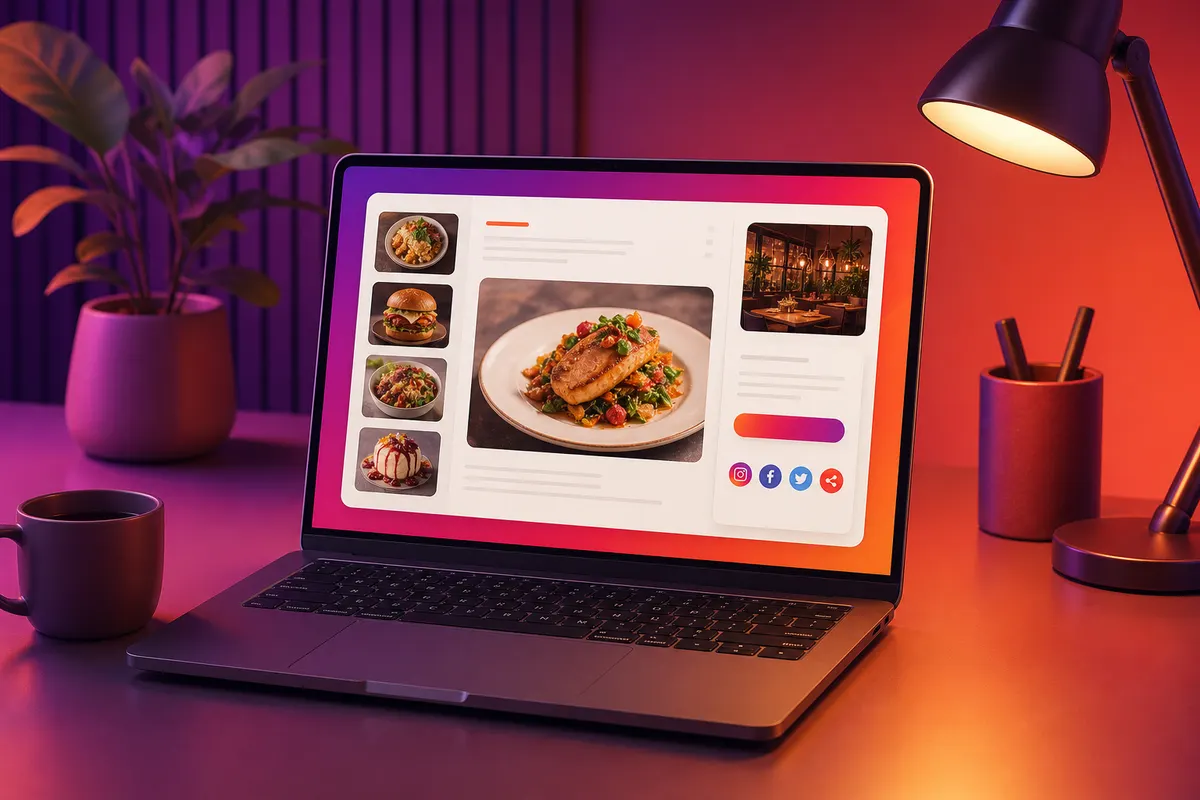
How to integrate the online menu with digital marketing?
Using data for targeted campaigns
The menu can reveal more than just the total sold. Order history, preferences, purchase frequency, and interest in categories help understand different customer groups. Promo Agency states that advanced platforms can collect data on preferences to support targeted and personalized campaigns.
Use this information responsibly and with a clear purpose. A group that usually orders desserts can receive communication about new items in that category. Those showing interest in options without certain ingredients can receive a more suitable selection. The message becomes more useful when it aligns with actual behavior, rather than sending the same offer to everyone.
A CRM can centralize order history, preferences, and contact data, connecting delivery, point of sale, and management. Food Connection also emphasizes that this history allows for menu adjustments and the creation of more relevant seasonal promotions, considering individual preferences and dietary restrictions.
Integration with social media and ads
The menu link needs to be where the intent appears. Include it in the bio, in posts, on the company profile, and in customer service messages. Abrahão Goomer recommends strategically promoting the address, taking advantage of the fact that it can remain stable even when the menu content is updated.
In stories, use the link addition feature or the swipe-up tool when available. The goal is to take the person directly to the menu without requiring them to search for the address on another screen. In ads, keep the promise of the piece aligned with what the customer will find when opening the menu.
iFood Institutional highlighted that digitizing and promoting the menu with a dedicated link allows for direct sales through messages and social media. For small businesses, this connection can be simple: a post showcases the product, the link presents details, and customer service finalizes the purchase on the chosen channel.
- Connect the menu link to the bio, the business profile, and customer service channels.
- Create posts that showcase a product and lead to the corresponding page.
- Segment audiences by interest, purchase history, or stated preference.
- Compare the response of different messages and keep those that generate qualified orders.
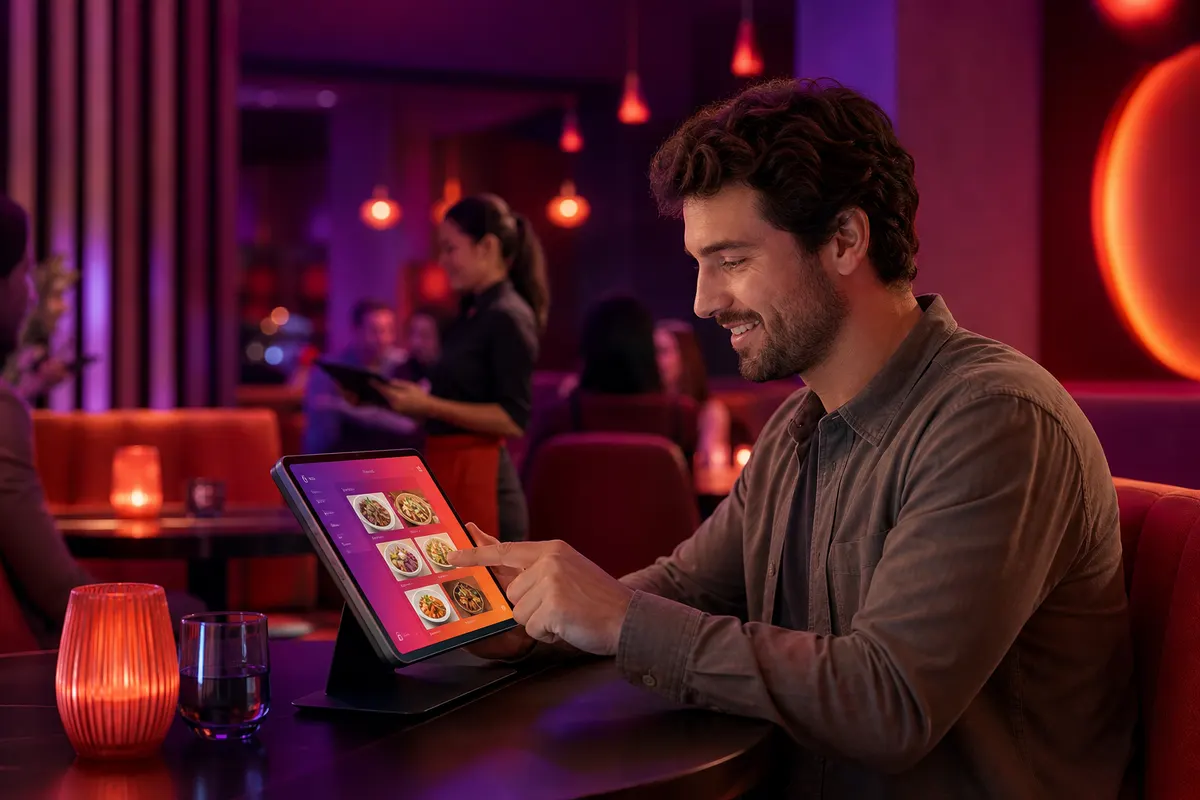
How to optimize the customer experience with an online menu?
The experience improves when the customer quickly finds what they are looking for, understands the product without needing to ask, and can start the order with minimal obstacles. To achieve this, combine simple navigation, updated content, and offers related to demonstrated interest.
Ease of navigation and use
Prioritize comfortable reading on mobile. Use visible buttons, sufficient contrast, short categories, and images that do not make the page heavy. The visitor should know where they are and what action they can take next. If the menu has many products, include a grouping logic that avoids aimless scrolling.
Review it as someone who has never seen the establishment. Is it easy to find the hours? Is the location accessible? Does the customer understand if the item serves one person, comes with a drink, or allows for substitutions? Each answer present in the menu reduces the need to interrupt the staff.
Speed is also part of the experience. Reduce excessively large images, eliminate duplicate information, and keep only the necessary paths for consulting and ordering. A beautiful menu that takes too long to open loses impact precisely at the moment of highest interest.
Personalized offers and promotions
A relevant promotion arises from the combination of product, timing, and audience. Instead of indiscriminately lowering prices, evaluate which items have good acceptance, which combinations increase orders, and which times need stimulation. The menu can present combos and suggestions contextually, without pressuring the customer.
Use order data to create seasonal variations and more useful communications. Food Connection explains that history, dietary restrictions, and individual preferences can guide adjustments to the menu and seasonal promotions. This allows for more precise communication and avoids offering an unsuitable option to someone who has already indicated a restriction.
Every offer needs to have a comprehensible rule. Inform what is included, how the customer accesses the condition, and when it expires. Then, remove the ended promotion to avoid generating frustration. Continuous improvement comes from observing the results, listening to customer service, and adjusting the next campaign.
The next step is to choose a category from your menu, review its presentation, and monitor customer reactions. Small, repeated improvements turn the menu into a more useful, accessible, and operation-aligned sales tool.
- Open the menu on a mobile device and navigate to the order.
- Remove unnecessary steps and make categories, prices, and buttons easy to identify.
- Choose an offer related to the history or preference of a specific audience.
- Clearly define the promotion's conditions and remove outdated information.
- Record the results and use the insights to review the menu.
- Reduce repetitive questions about prices and items. → Organize a mobile menu with descriptions, images, availability, and a direct path to the order.
- Increase the value of orders. → Highlight combos and complementary suggestions related to each main product.
- Attract customers through social media. → Use a dedicated link in your bio, stories, and posts, directing people straight to the menu.
- Create more relevant promotions. → Analyze history, preferences, and consumed categories before segmenting communication.
Continue reading

How to prioritize your online presence with an effective website
The importance of having a responsive website to boost your sales.